
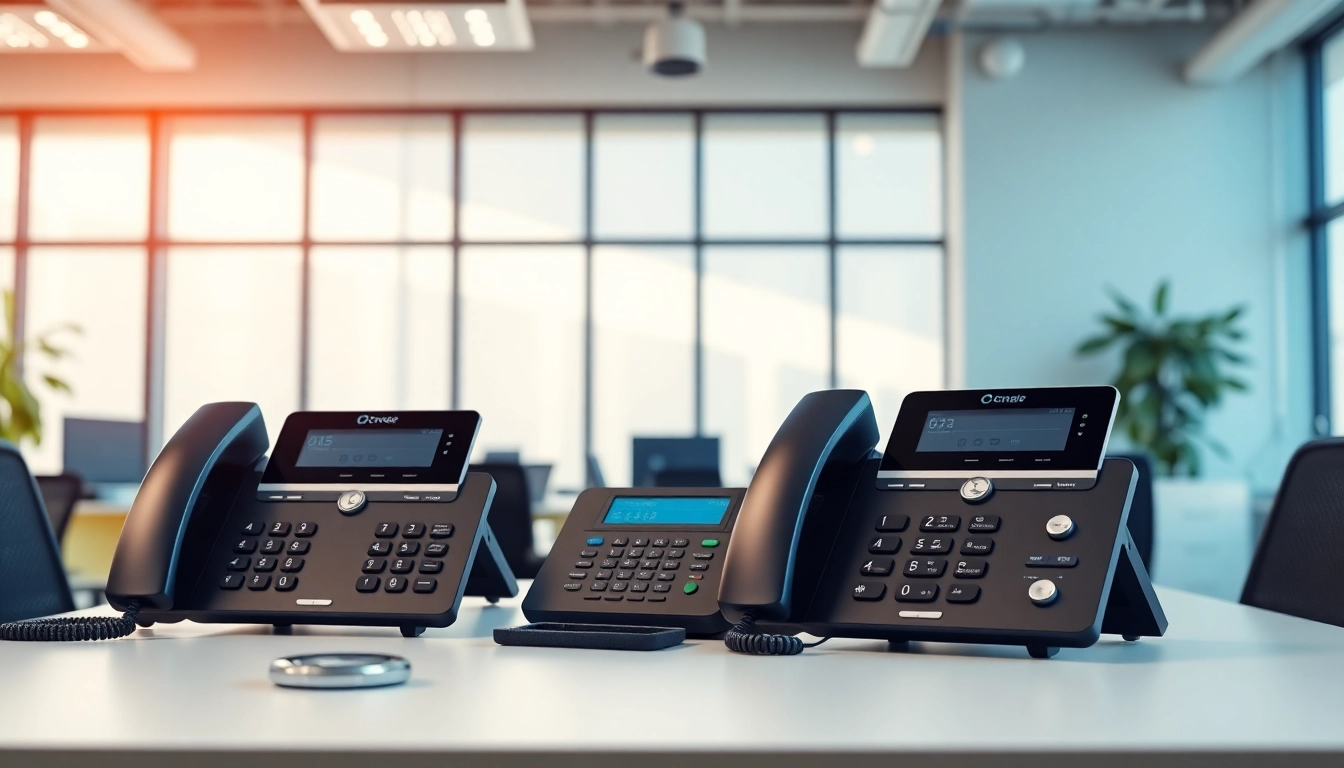
Understanding Office Phone Systems
What are Office Phone Systems?
Office phone systems are crucial communication tools designed to facilitate and streamline business interactions. These systems can range from traditional landline setups to advanced Voice over Internet Protocol (VoIP) solutions. Essentially, they manage communications both internally within a business and externally with clients and partners. An effective office phone system not only enhances voice communication but also integrates features like messaging, conferencing, and call management to optimize workflows. For companies considering modernizing their communication infrastructure, office phone systems can be a pivotal investment.
Key Features of Office Phone Systems
When evaluating various office phone systems, businesses should consider several key features:
- Multi-Line Capability: Essential for businesses that require multiple calls to be handled simultaneously.
- Voicemail Systems: Offering automated message retrieval ensuring important communications are not missed.
- Call Forwarding: Allows incoming calls to be redirected to any number, ensuring communication continuity.
- Conference Calling: With remote work becoming common, this feature allows several participants to join discussions seamlessly.
- Integration: Compatibility with other software and tools for project management, customer relationship management (CRM), and other business functions.
Types of Office Phone Systems
Office phone systems can be categorized into several types, each suited for different business needs:
- Traditional Phone Systems: Usually based on analog technology and wired connections.
- VoIP Systems: Allow voice communication over the Internet, offering flexibility and advanced features.
- Private Branch Exchange (PBX): A private telephone network that connects internal phones to external public network lines.
- Virtual Phone Systems: Enable businesses to manage calls through an internet connection without the need for physical phone lines.
- Cloud-Based Systems: Facilitate seamless access to communication tools from anywhere with an internet connection.
Benefits of Using Office Phone Systems
Enhanced Communication Efficiency
Modern office phone systems significantly enhance communication efficiency. They support features such as call routing where calls are directed to the right department or employee, ensuring that every customer query is addressed promptly. This efficiency minimizes downtime and miscommunication, which are critical for maintaining high levels of customer satisfaction.
Cost-Effective Solutions for Businesses
Investing in an efficient office phone system can result in substantial cost savings. VoIP systems, for example, typically have lower operational costs than traditional phone services, especially for long-distance calls. Additionally, because many advanced features are built-in or come at a lower incremental cost, businesses can avoid needing multiple service providers to manage all communication aspects efficiently.
Scalability and Flexibility
Office phone systems provide the scalability that growing businesses need. As a business expands, it can easily add new lines, users, and features without the need for extensive upgrades or infrastructure changes. This flexibility allows companies to adapt their communication strategies as they evolve, ensuring they never miss opportunities to connect with clients or collaborators.
Choosing the Right Office Phone System
Assessing Business Needs
Choosing the right office phone system starts with a thorough assessment of business needs. Organizations should consider factors such as the volume of calls, the number of users, and the typical communication methods employed. Understanding these elements helps narrow down options and identify which system features will be most beneficial.
Evaluating Features and Options
Not all office phone systems are created equal; thus, evaluating features is crucial. Look for customizable options that align with specific business requirements. Prioritize features that enhance productivity, such as mobile compatibility, integration with existing software, and multi-user capabilities that facilitate growth.
Budget Considerations
While advanced technology may have initial upfront costs, businesses must consider long-term investments that equate to total cost of ownership. Analyze ongoing costs, including maintenance, subscription fees, and any hidden charges related to upgrades or added functionalities. Ensuring that the chosen system meets budget constraints while delivering value is paramount.
Implementation of Office Phone Systems
Steps for Successful Deployment
Implementing an office phone system requires careful planning and execution. First, businesses should outline an implementation strategy that includes timelines and responsibilities. Each stage—from system selection to installation and testing—requires clear communication and guidance from the chosen provider to ensure a smooth transition.
Training Employees on New Systems
Training is a crucial element in the successful implementation of an office phone system. Employees must be familiar with the system’s functionalities to maximize productivity. Training sessions should be scheduled during off-peak hours, and comprehensive documentation should be made available as a reference for various features.
Troubleshooting Common Issues
Despite best efforts during the implementation phase, issues may arise that require troubleshooting. Establishing a reliable support structure, including IT staff or vendor support, helps resolve these issues quickly. Common problems could involve connectivity issues or system malfunctions, and having a plan in place can minimize disruptions to business operations.
Future Trends in Office Phone Systems
Integration of AI and Automation
As technology evolves, the integration of artificial intelligence (AI) into office phone systems becomes increasingly significant. AI can automate routine tasks such as call routing, voicemails, and even basic customer inquiries through chatbots. These advancements streamline communication and allow employees to focus on more complex, value-added activities.
Remote Work and Cloud-Based Solutions
The rise of remote working has led to a surge in the demand for cloud-based phone systems. These systems allow employees to communicate from various locations without compromising on features or functionalities. As businesses continue to embrace hybrid work models, cloud solutions provide the flexibility needed to remain operational at all times.
Staying Ahead in Communication Technology
To stay competitive, organizations must regularly assess their office phone systems and explore new technologies. Monitoring industry trends and tech advancements enables businesses to adopt innovative solutions that improve communication efficiency. This proactive approach ensures businesses meet the evolving expectations of clients and stakeholders.
Frequently Asked Questions
What are the different types of office phones?
The main types of office phones include VoIP, landlines, and virtual phone services. VoIP is often favored for its flexibility and cost-effectiveness.
What are office phone systems called?
Office phone systems are commonly referred to as Private Branch Exchange (PBX) systems, enabling internal and external communications efficiently.
How do I choose an office phone system?
Assess your business needs, evaluate essential features, and consider your budget to choose the most suitable office phone system for your organization.
Can I integrate my office phone system with other tools?
Yes, many modern office phone systems offer integration options with software like CRM tools and project management applications to enhance workflow.
What should I do if I encounter issues with my phone system?
Establish a reliable support network, either in-house or through your vendor, to address common issues quickly to minimize disruptions in communication.