Understanding Countdown Timers for Email
What is a Free Countdown Timer for Email?
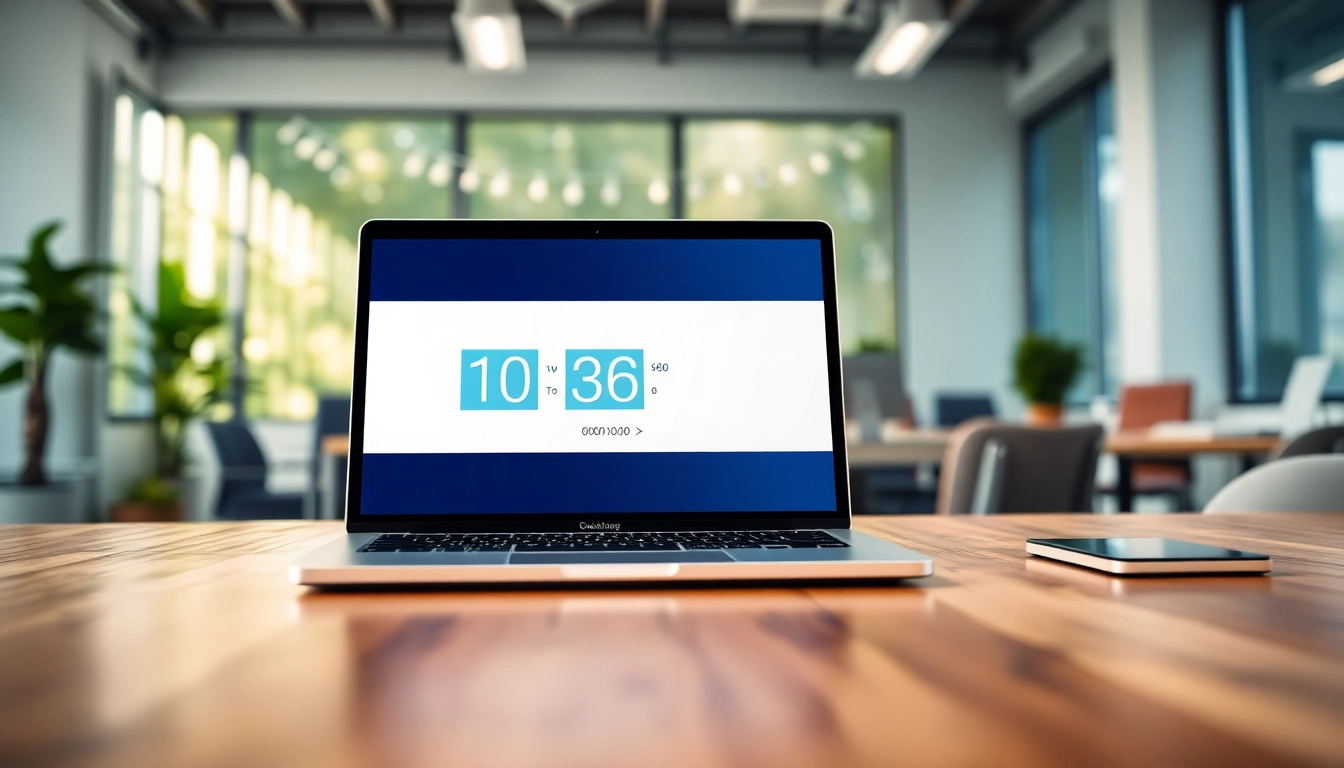
A free countdown timer for email is a digital tool designed to create a sense of urgency within email marketing campaigns. These timers count down to a specific event, offering a visually dynamic element that captures readers' attention. When embedded within an email, they serve as a live countdown to a promotion, product launch, or special event, encouraging subscribers to take immediate action before time runs out.
Benefits of Using Countdown Timers in Emails
Count-down timers in emails provide several strategic advantages:
- Increased Engagement: Timers create a visual point of interest, prompting readers to engage more with the email content.
- Boosted Conversions: A countdown can instill urgency, motivating recipients to make quicker purchasing decisions.
- Enhanced A/B Testing: Different designs, styles, and time frames can be tested for effectiveness, helping to optimize future campaigns.
- Personalized Experience: Timers can start counting down when a reader opens the email, creating a unique experience for each subscriber.
Common Use Cases for Email Countdown Timers
Countdown timers can be deployed in various contexts, including:
- Sales Events: Create urgency for flash sales or limited-time offers.
- Product Launches: Build anticipation leading up to the release of a new product.
- Webinars and Events: Encourage sign-ups for upcoming webinars or in-person events.
- Seasonal Promotions: Use timers for Black Friday sales, holiday promotions, and more.
How to Create Your Free Countdown Timer for Email
Step-by-Step Guide to Setting Up
Creating a countdown timer is a straightforward process:
- Choose a Timer Generator: Select a reliable countdown timer generator, such as MailTimers or Sendtric.
- Customize Your Timer: Input the target date and time, choose the design and color scheme, and add any additional text.
- Generate the Code: Once satisfied with your design, click to generate the HTML code.
- Embed in Your Email: Copy the HTML code and paste it directly into your email marketing platform's editor.
Choosing the Right Timer Style
The right timer style depends on your brand identity and the urgency of the promotion:
- Bright Colors: Use bright, contrasting colors to draw attention.
- Font Selection: Choose clear, readable fonts that can be easily viewed on mobile devices.
- Animation Options: Dynamic animations may enhance visibility but ensure they align with your brand's tone.
Integrating with Your Email Marketing Platform
Most email marketing platforms like Mailchimp, Klaviyo, or Constant Contact allow HTML customizations. Here’s how to integrate a timer:
- Log into your email marketing platform.
- Create a new email or select an existing template.
- Switch to the HTML editor or code view.
- Paste the countdown timer HTML code and preview the email to check the functionality.
- Send a test email to ensure everything is functioning correctly.
Best Practices for Email Countdown Timers
Design Tips for Maximum Impact
When designing countdown timers, consider these guidelines:
- Minimalist Design: Avoid clutter. Ensure your timer doesn’t overwhelm the message or call to action.
- Responsive Design: Test for various screen sizes to ensure functionality across devices.
- Clear Call to Action: Place your CTA close to the timer, making it easy for users to act immediately.
Timing and Placement Strategies
Effective placement enhances visibility and engagement:
- Above the Fold: Place the timer where readers can see it without scrolling.
- Within Product Sections: For product-specific emails, include the timer near the product image or description.
- Limited-Time Offers: Add reminders in follow-up emails, reiterating the dwindling time left.
Testing and Optimization Techniques
Track the effectiveness of your countdown timers with these methods:
- A/B Testing: Test different timer designs, messaging, and placements to identify the most effective combination.
- Audience Segmentation: Send different versions of the email to varied audience segments to see who converts more.
- Performance Metrics: Track open rates, click-through rates, and conversion rates to gauge effectiveness.
Enhancing User Experience with Countdown Timers
Creating Urgency: Why it Matters
Creating urgency is essential in prompting action. Countdown timers can:
- Trigger Emotional Responses: A ticking clock can evoke feelings of excitement and fear of missing out (FOMO).
- Improve Timing: Highlight how much time is left until the end of a sale or offer, motivating quicker decision-making.
Segmenting Your Audience for Better Results
Targeting specific segments can increase effectiveness:
- Past Purchase Behavior: Tailor timers for customers who have shown interest in similar products.
- Demographics: Customize timers based on age, location, and other demographic data.
- Behavioral Triggers: Deploy countdown timers following specific user actions, like cart abandonment.
Analyzing Performance Metrics
Measuring the success of countdown timers includes:
- Click-through Rates (CTR): Examine how many users clicked through from the email to the offer.
- Conversion Rates: Track the sales or actions taken as a direct result of the email campaign.
- Engagement Metrics: Monitor how recipients interact with the content; time spent and scroll depth can provide insights.
Exploring Alternatives to Free Countdown Timer Options
Comparing Features Across Different Tools
When selecting a countdown timer tool, compare features such as:
- Customization Options: Some tools offer extensive customization, while others may be more limited.
- Integration Capabilities: Ensure compatibility with your existing email service provider.
- Analytics Features: Some providers offer insights into performance metrics to help in optimizing your efforts.
Evaluating Cost-Effectiveness
While many timer solutions are free, consider:
- Watermark Issues: Some free tools include branding that can detract from your email’s professionalism.
- Premium Features: Evaluate if paid features offer significant advantages that justify the cost.
- Long-term Value: Assess whether investing in a premium service will provide a better return on investment.
Recommendations Based on User Experiences
Feedback from users of various countdown timer tools can guide your decision:
- Ease of Use: Opt for tools that are praised for user-friendly interfaces.
- Support and Resources: Check if the provider offers helpful documentation and customer support.
- Integration Reviews: Seek opinions on how seamlessly the timers integrate with popular email platforms.