
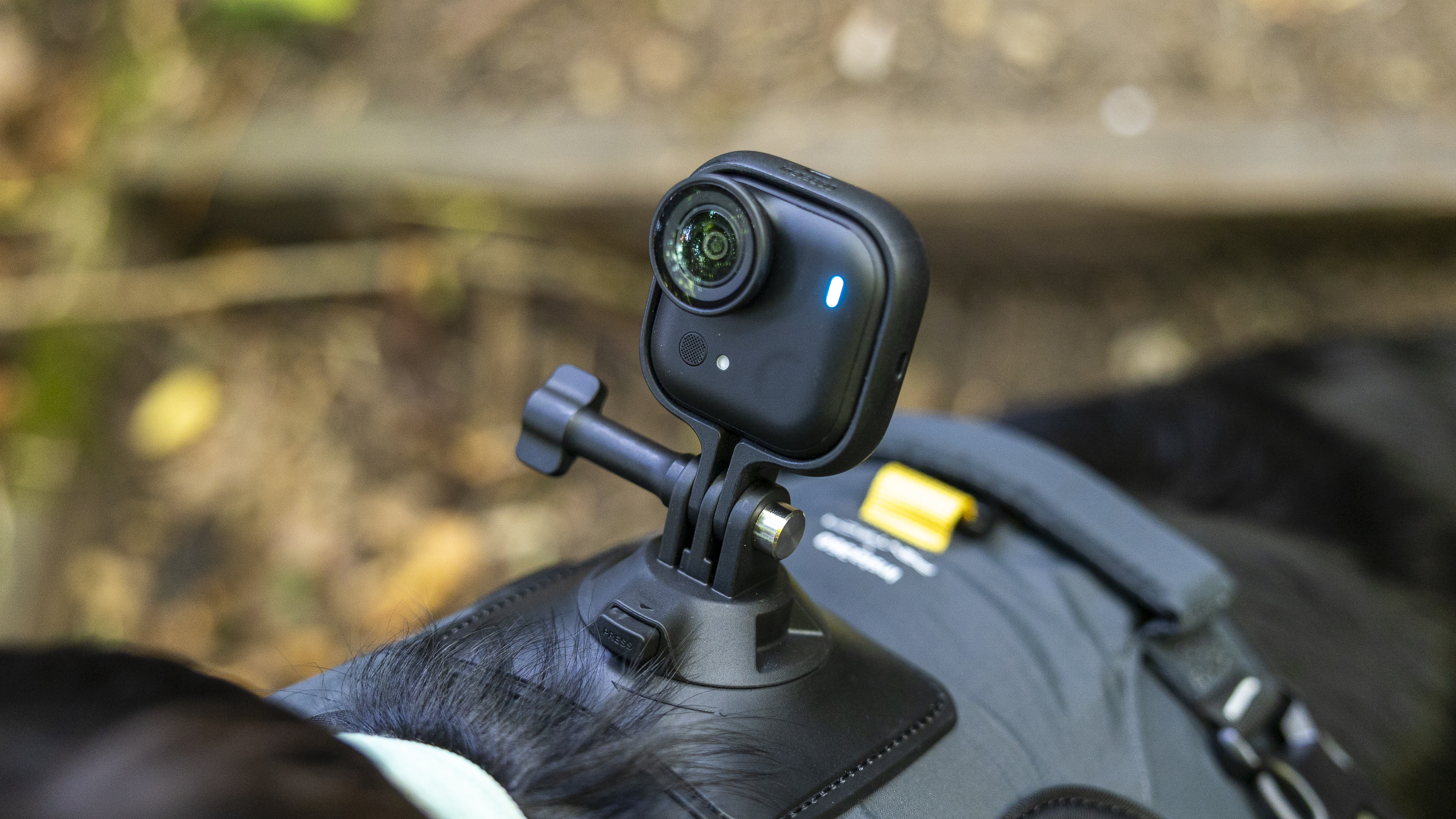
Capturing stunning footage has never been easier with the Insta 360 go 3. This pocket-sized camera is designed for creators who want to document their life effortlessly while achieving professional-quality results. In this guide, we will explore essential tips and tricks to make the most of your insta 360 go 3.
Understanding the Insta 360 Go 3
Before diving into tips, it’s crucial to understand what makes the insta 360 go 3 unique. This camera is ultra-compact, lightweight, and comes with advanced stabilization features. It allows creators to shoot smooth videos in any environment, whether you are on the move or in a controlled setting. Understanding the camera’s functionality helps you unleash its full potential.
Mastering the Camera Modes
The insta 360 go 3 offers multiple modes to suit different shooting styles. From standard video recording to slow motion, each mode has its advantages. Experimenting with these modes allows you to create dynamic footage. Using slow-motion mode, for example, can transform ordinary movements into cinematic visuals, while hyperlapse mode adds a dramatic time-lapse effect to your shots.
Utilizing FlowState Stabilization
One of the most powerful features of the insta 360 go 3 is FlowState stabilization. This technology ensures that your videos remain smooth even during fast-paced action. To maximize this feature, hold the camera steadily and avoid abrupt movements. By combining FlowState stabilization with creative camera angles, you can produce professional-level footage without any additional gear.
Creative Angles and Perspectives
To truly make your shots stand out, explore unique angles and perspectives. Mount the insta 360 go 3 on different surfaces or use magnetic accessories to capture unconventional viewpoints. Low-angle shots can make ordinary scenes appear more dramatic, while overhead shots provide a fresh perspective that grabs attention. The versatility of the insta 360 go 3 allows you to experiment with angles that traditional cameras cannot easily achieve.
Using the AI Editing Features
The insta 360 go 3 comes with AI-powered editing tools that simplify the post-production process. Features like Auto-Edit automatically create polished videos by analyzing your footage. You can also use the app to add effects, transitions, and music, making your content ready for social media in minutes. Leveraging these AI features saves time while enhancing the visual appeal of your footage.
Optimal Lighting Tips
Lighting plays a critical role in the quality of your footage. The insta 360 go 3 performs well in various lighting conditions, but natural light always delivers the best results. Shooting during the golden hour, early morning, or late afternoon can enhance colors and reduce harsh shadows. When shooting indoors, position yourself near a light source to illuminate your subject effectively. Proper lighting ensures that your insta 360 go 3 captures clear and vibrant shots.
Time-Lapse and Hyperlapse Techniques
Time-lapse and hyperlapse are standout features of the insta 360 go 3. These modes compress long events into captivating short clips. For best results, keep the camera stable or use a tripod. Experiment with movement during hyperlapse to create dynamic sequences that maintain viewer engagement. Using these techniques creatively can elevate the storytelling of your videos.
Battery Management
To avoid interruptions during shooting, managing your insta 360 go 3 battery is essential. Always ensure the camera is fully charged before long shoots. Use the charging case to extend battery life while on the go. Understanding battery usage patterns allows you to plan shoots efficiently, ensuring you capture every moment without downtime.
Leveraging Accessories
Accessories enhance the capabilities of the insta 360 go 3. Magnetic mounts, clips, and cases enable versatile shooting positions. Combining these accessories with creative techniques can produce professional-looking footage with minimal effort. Accessories expand the potential of your insta 360 go 3, allowing for innovative shots that stand out.
Tips for Social Media Content
The insta 360 go 3 is perfect for creators focused on social media. Keep videos short and engaging, use dynamic movements, and apply AI effects to enhance appeal. Vertical formats work well for platforms like Instagram and TikTok. By aligning your shooting style with social media trends, the insta 360 go 3 helps you produce content that attracts and retains viewers.
Experimenting with Slow Motion
Slow-motion footage adds dramatic effect to ordinary moments. The insta 360 go 3 allows high-quality slow-motion recording, which can emphasize action, emotion, or detail. Use this feature selectively to highlight important sequences, making your videos more captivating and visually rich.
Conclusion
The insta 360 go 3 is a game-changer for creators seeking compact, versatile, and high-quality recording solutions. By mastering camera modes, utilizing FlowState stabilization, exploring creative angles, and leveraging AI editing, you can consistently capture stunning footage. Proper lighting, battery management, and accessory usage further enhance your shooting experience. Whether creating social media content or documenting adventures, these tips and tricks ensure that the insta 360 go 3 helps you produce videos that are engaging, professional, and visually striking.